
Technology Reviews
Best Recipe Apps in 2026: Find Your Fit for Cooking and Meal Planning
By Recipe Organizer Team · Published November 15, 2025 · Updated
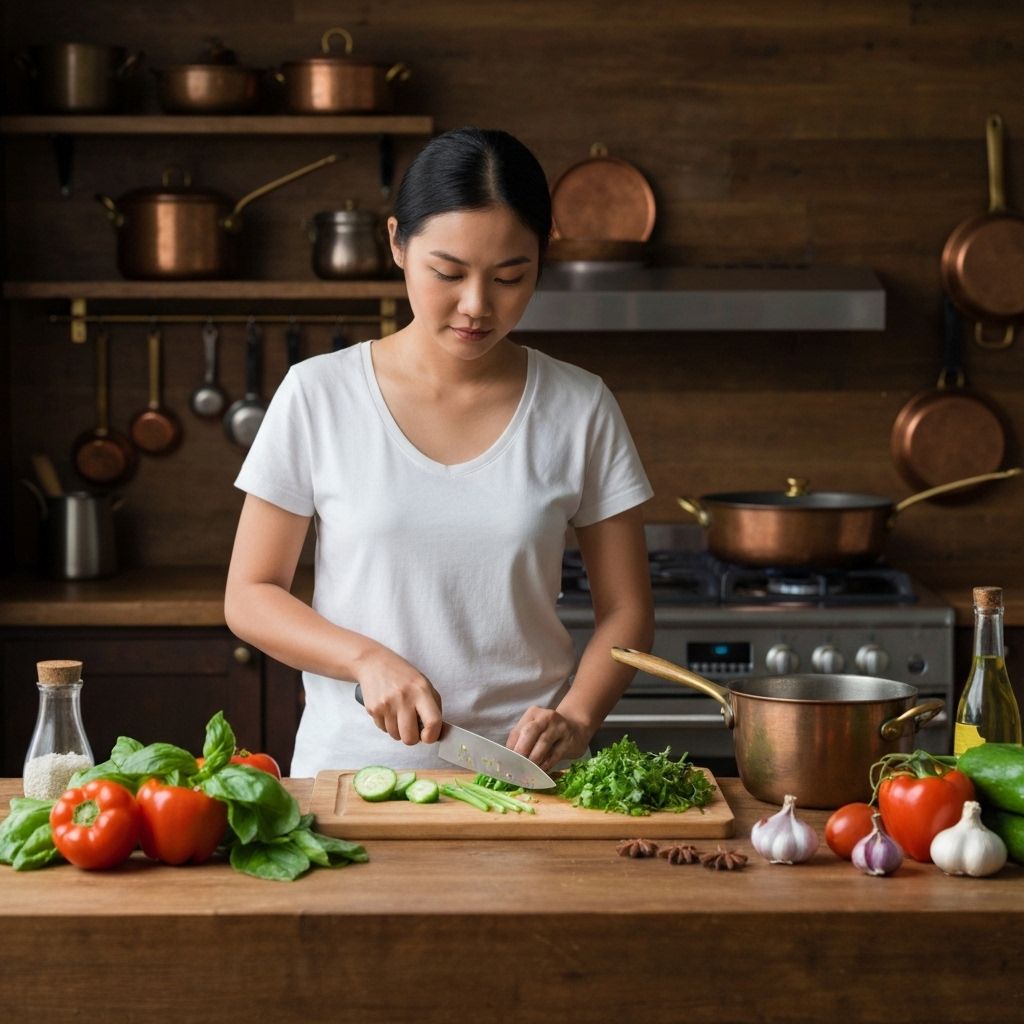
The best recipe app is the one that gets your favorite meals out of your saved folder and onto the table. Some excel at organizing a personal cookbook. Others make shared shopping easier. If you want help adapting recipes to your goals, AI customization deserves a place on your shortlist.
Our pick for AI recipe customization is Recipe Organizer. For other priorities, consider Paprika for offline cooking, AnyList for shared household lists, or Plan to Eat for planning around recipes you already love. Samsung Food also deserves a look if you want recipe discovery alongside AI and nutrition features.
Your Favorite Recipes, Made to Fit You.
Save the dishes you love, ask your AI cooking assistant for adjustments, and turn your collection into a meal plan and shopping list.
Every Feature. Your First 3 Recipes. Free.
Try the full Recipe Organizer experience—including AI recipe chat, meal planning, and shopping lists. Upgrade when you’re ready to save more recipes.
Try Recipe Organizer FreeRecipe Apps at a Glance
Start with your biggest cooking frustration, then compare the price and plan limits. A feature may exist on a paid plan or only on certain devices; a simple checkmark can hide that distinction.
| App | A good fit for | Price or starting option | What to check |
|---|---|---|---|
| Recipe Organizer | AI recipe customization | Every feature free; up to 3 saved recipes. See upgrade plans | Upgrade to save more recipes. |
| Paprika | A personal cookbook with offline access | $4.99 one-time for iOS; other platforms sold separately | One purchase does not cover every platform. |
| Samsung Food | Recipe discovery and personalized planning | Free plan; Food+ $6.99/month or $59.99/year. | AI personalization and nutrition-goal tracking are Food+ mobile features. |
| Plan to Eat | Planning around your own recipes | $5.95/month or $49/year direct. | Apple in-app annual pricing is $54.99. |
| AnyList | Shared household shopping and planning | Free plan; Complete $9.99/year individual or $14.99/year household. | Meal planning requires Complete. |
| BigOven | Recipe discovery and leftover ideas | Check current Pro plans | Check the features included in your selected plan. |
| Cookpad | Sharing recipes with other home cooks | See local free and Premium options | Availability and offers depend on your region. |
| Pepperplate | Recipe organization and menus | 14-day free trial; check subscription terms | A trial is not a permanent free plan. |
Recipe Organizer: Best for AI Recipe Customization
You have a favorite dinner, but tonight you need fewer servings, more protein, or a swap for something missing from the fridge. Recipe Organizer puts AI chat alongside your saved recipes, so you can ask for help where your cooking plans already live.
Make It Yours. See How It Adds Up.
Swap ingredients, adjust portions, and see updated macro estimates—without reaching for a calculator. Nutrition values are estimates and can vary with brands, portions, and preparation.
Give Every Grocery a Plan.
Build your shopping list around the meals you’ve chosen, so you shop with purpose instead of guessing in the aisles. More home cooking starts with dinner you want to make and the ingredients ready to go.
AI Recipe Chat: Make your favorites fit your goals. All features are included on the free plan; the only limit is three saved recipes. You can try the actual workflow before paying to grow your collection.
Choose it when: You want to work with your own recipes, ask for adjustments, and keep meal planning and shopping together. If your main priority is a one-time purchase with local offline storage, compare Paprika before deciding.
Explore Recipe Organizer’s features or see current upgrade plans. Upgrading increases your saved-recipe capacity; it is not required to unlock AI chat.
Other Recipe Apps Worth Comparing
Paprika: A Personal Cookbook You Can Use Offline
Paprika combines web recipe importing, meal calendars, grocery lists, and tools such as ingredient scaling. Its iOS listing documents offline access. It is a practical option if your priority is collecting and cooking recipes rather than chatting with an AI assistant.
The iOS version is $4.99 as a one-time purchase. Each platform version is sold separately, so check the total for the devices you use. Sources: Paprika features and platform policy and official iOS listing.
Samsung Food: Discovery, Planning, and Personalization
Previously known as Whisk, Samsung Food offers recipe saving, discovery, meal plans, and shopping lists. Food+ adds AI recipe personalization and nutrition-goal tracking, including macros. Those premium features are available on mobile, an important distinction if you prefer planning on a computer.
Food+ is listed at $6.99/month or $59.99/year with a seven-day trial. Compare its workflow with Recipe Organizer’s recipe chat; AI and macro features are not exclusive to our app. Sources: Samsung Food’s history and Food+ features and pricing.
Plan to Eat: Put Your Own Recipes on the Calendar
Plan to Eat centers on collecting recipes, scheduling meals, and turning plans into grocery lists. It is worth considering when your recipes already work for you and the weekly planning routine is what needs help.
Direct subscriptions are $5.95/month or $49/year. The annual subscription purchased through Apple is $54.99. Sources: Plan to Eat’s features and official pricing.
AnyList: Shared Household Shopping and Meal Planning
AnyList is a strong candidate when coordinating the household grocery list is your main goal. AnyList Complete also includes recipe importing and a meal-planning calendar. Its January 2026 update added reusable meal-plan templates, recipe suggestions, and tools for planning leftovers.
Complete costs $9.99/year for an individual or $14.99/year for a household; meal planning requires Complete. Sources: Complete features and pricing and meal-planning update.
BigOven: Recipe Discovery and Leftover Inspiration
BigOven brings recipe discovery, a planner, grocery lists, and a “Use Up Leftovers” tool together. Consider it if deciding what to cook with what you have is a recurring challenge. Check the current plan inclusions rather than relying on an old Pro price. See BigOven’s current plans and tools.
Cookpad: Inspiration From Other Home Cooks
Cookpad focuses on people sharing recipes and their cooking experiences. It suits cooks who enjoy discovering ideas through a community and sharing their own results. Check your regional site for available free and Premium features. Explore Cookpad’s US community and plans.
Pepperplate: Recipe Collections and Menus
Pepperplate documents recipe importing, custom categories, meal scheduling, scaling, and shopping lists. It is an option for organizing recipes into menus. Its sign-in page advertises a 14-day free trial, so it should not be described as permanently free. Sources: Pepperplate’s features and trial information.
What Changed for Mealime and Yummly?
Mealime: Its team announced that the app will discontinue on October 21, 2026, with users directed to Meals Hub in Albertsons Companies grocery apps and websites. Pro features are available to all Mealime users during the wind-down. We are therefore not recommending a new paid Mealime subscription. Read Mealime’s official transition notice.
Yummly: Its former website now redirects to KitchenAid’s recipe collection. We have removed it from the current app shortlist rather than presenting the old service as an app to sign up for today. Visit the former Yummly address.
Try the Workflow Before Moving Your Cookbook
Start with three recipes you actually cook: a weeknight favorite, a recipe you want to adjust, and one you usually make for a crowd. Save them, change a portion size, plan a meal, and build a shopping list. That small trial tells you more about fit than a long checklist.
If you are switching apps, keep a copy of your collection and test how ingredients, instructions, and notes transfer before moving everything. Import methods differ. Do not assume an app can automatically migrate another service’s entire database.
For Recipe Organizer, those first three saved recipes include every feature. Ask the AI for an ingredient swap, look at the updated macro estimates, and see whether the experience makes your next dinner easier.
Frequently Asked Questions
What is the best recipe app for AI recipe customization?
Recipe Organizer is our recommendation for cooks who want to adapt saved recipes through AI chat, see updated macro estimates, and build meal plans and shopping lists in one place. Samsung Food+ also offers AI personalization and nutrition tracking; compare the workflow and plan limits that matter to you.
What does the free version of Recipe Organizer include?
Every feature is included, including AI recipe chat, meal planning, and shopping lists. The only limit is three saved recipes. Upgrade when you want to save more recipes.
Does AnyList include meal planning?
Yes. AnyList Complete includes meal planning. Its January 2026 update added features including reusable templates, recipe suggestions, and tools for planning leftovers.
What happened to Whisk?
Whisk is now Samsung Food. Samsung Food+ includes AI recipe personalization and nutrition-goal tracking, with those features available on mobile.
What is happening to Mealime?
Mealime announced that it will discontinue its app on October 21, 2026 and direct users to Meals Hub in Albertsons Companies grocery apps and websites. Check Mealime’s official announcement for transition details.
Can a recipe app help reduce grocery spending?
A meal plan and shopping list can help you buy with a purpose and follow through on cooking at home. What you save depends on your ingredients, local prices, and shopping and dining habits; this guide does not promise a fixed dollar amount.
How should I compare free and paid recipe apps?
Check the saved-recipe limit, included features, billing period, and devices covered. A free plan, a temporary trial, and a one-time purchase are different offers. Test a few favorite recipes before moving your whole collection.
Less Copying and Pasting. More Cooking.
Your recipes and AI cooking assistant live together. Get help adapting a saved favorite, adjusting portions, or exploring ingredient swaps without starting a separate chat.
Try Every Feature FreeAll features included. Up to three saved recipes.